Online shops are very good at making a price look like a bargain. A struck-through number, a bright percentage badge and a countdown can make almost any price feel urgent. None of that tells you whether you are paying less than the product usually costs.
This guide gives you a short method for checking a deal yourself. It works on any shop, for any product, and you can do most of it in a couple of minutes.
Key takeaway: a deal is good when the total you will pay is low compared with what the same product has recently cost, not when the page says it is a big discount.
Step 1: Compare the Price With Its Own Past
The most useful question is not "how much is the discount?" but "what has this product cost before?". A listing can show a large percentage off a number the product rarely sold at. A "₹1,000 off" claim means little if the product normally sits ₹200 below the crossed-out price.
Look for the lowest, highest and typical recent price. If the current price is close to the low end, the deal is probably real. If it is close to the typical price, it is an ordinary price with a sale label. Our guide to reading price history explains how to interpret these numbers and what they cannot tell you.
A product you are tracking with DealTrackerProBot builds its own recorded history from the day tracking starts, which you can view with /price_history. That history only covers the time since tracking began, not the retailer's whole past, so a young history is a weaker guide than an old one.
Step 2: Question the "Original" Price
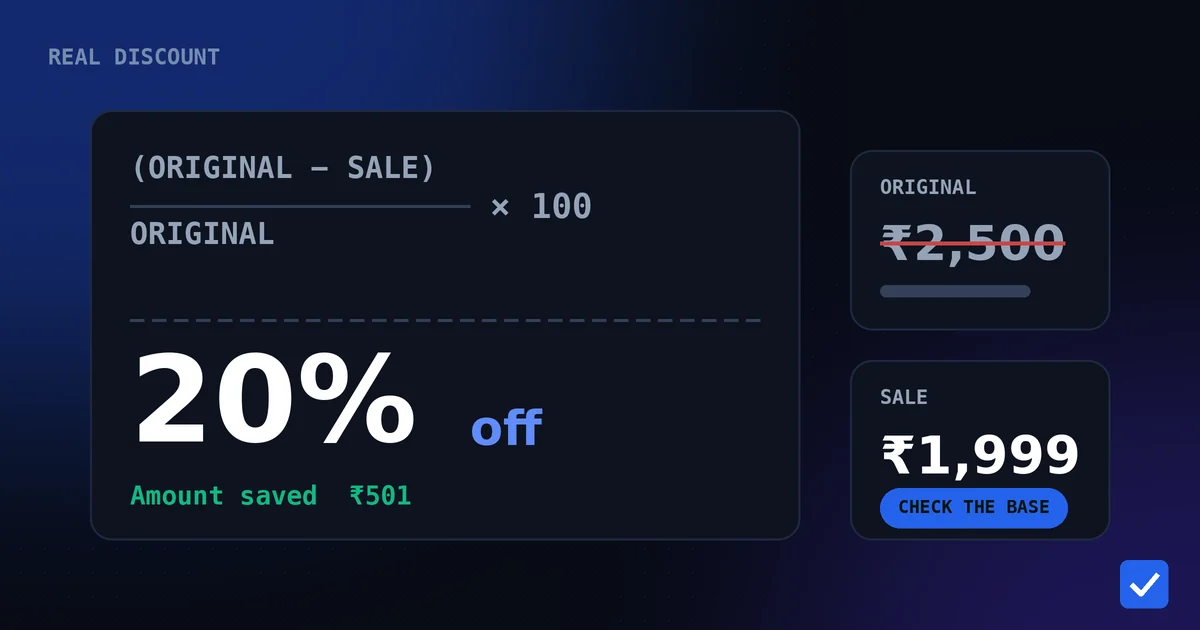
Every discount percentage is measured against a reference price, and the shop chooses that reference. It might be the maximum retail price, a previous selling price or a figure that was only briefly live. The percentage is accurate arithmetic on a number you cannot necessarily verify.
Ignore the badge and calculate your own saving against a reference you trust, such as the recent typical price. The next article, how to calculate a real discount, shows the formulas, and the free discount calculator does the sums for you.
Step 3: Work Out What You Will Actually Pay
The final payable amount is what matters. The listed price is only the starting point. Add or subtract everything that changes it:
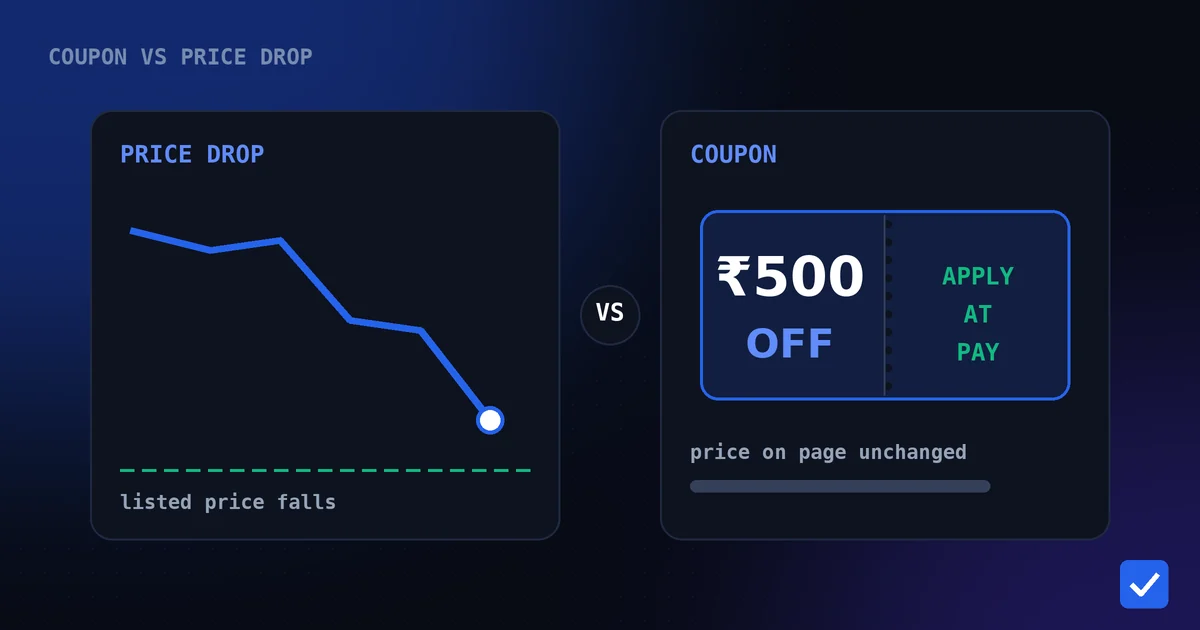
- Coupons. A coupon can lower the price without changing the listed price. See coupon vs price drop for how to compare them.
- Bank and card offers. These usually apply only at checkout, often with minimum spends, caps or specific cards. Count them only if you were going to use that card anyway.
- Shipping and handling. A lower price with paid delivery can cost more than a slightly higher price with free delivery.
- Taxes and import charges. Where a purchase crosses borders, the shown price may not be the final amount.
- Bundles. Accessories you do not need can make a bundle look cheaper per item while costing more overall.
Here is a hypothetical comparison with made-up numbers, only to show the method:
| Listing A | Listing B | |
|---|---|---|
| Listed price | ₹4,499 | ₹4,699 |
| Coupon | none | ₹300 off |
| Delivery | ₹99 | free |
| Total payable | ₹4,598 | ₹4,399 |
Listing A has the lower sticker price, but Listing B is cheaper by ₹199 once the coupon and delivery are counted.
Step 4: Check Who Is Selling It and Whether It Is in Stock
Two listings for the same product are not always equal. A different seller can mean different return terms, warranty handling or delivery time, and a very low price from an unfamiliar seller deserves a closer look before you pay.
Stock matters too. A low price on a product you cannot actually receive is not a deal. If something is sold out at a good price, a back-in-stock alert is a better plan than refreshing the page. How back-in-stock alerts work covers Amazon and Flipkart.
Step 5: Be Wary of Pressure Tactics
Countdown timers, "only a few left" messages and "deal ends tonight" banners are designed to make you decide quickly. Some are genuine; many simply restart. A good deal on a product you actually want will still be a good deal after you have spent five minutes checking it.
If you are unsure, the cheapest decision is often to wait and watch. A product you track will keep recording its price, so you lose nothing by letting the price show you what it does next.
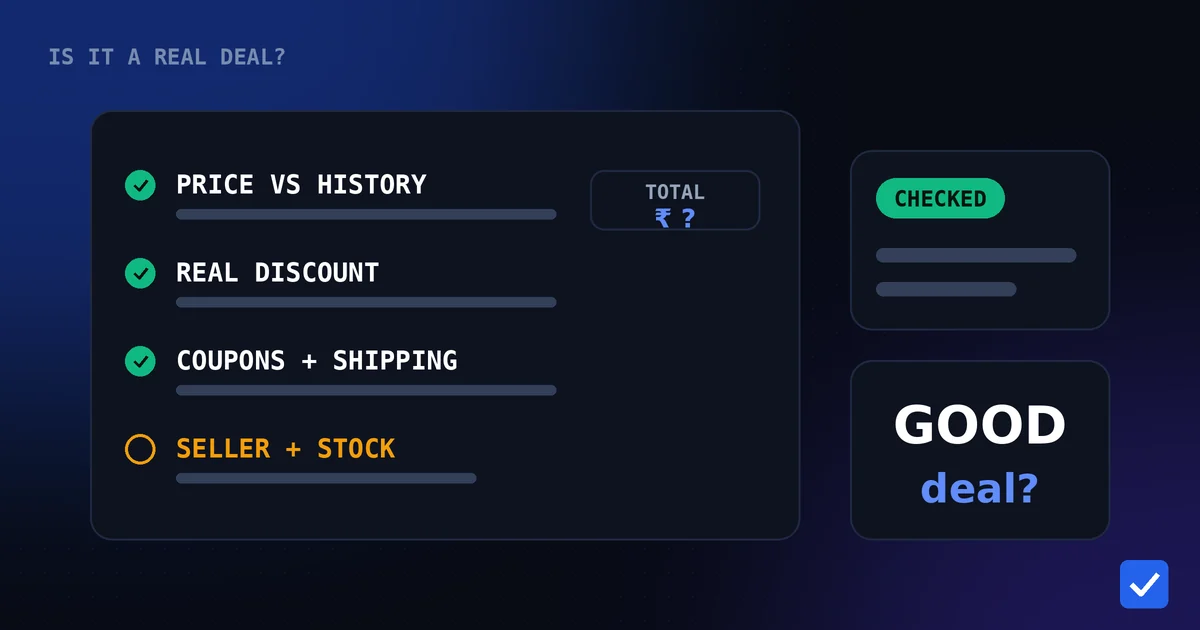
A Short Checklist You Can Reuse
- Is the price near the low end of what this product has recently cost?
- What is my own discount figure against a reference I trust?
- What is the final amount after coupons, offers, shipping and taxes?
- Do I trust the seller, and is the item actually in stock?
- Would I still want this at this price tomorrow?
If the answers are yes, yes, a good number, yes and yes, buy it. If you are stuck on the first question, you need more history, and the simplest way to get it is to start tracking.
When Waiting Is the Better Deal
Not every discount deserves action. If a price is only slightly below its usual level, if the product sells at lower prices several times a year, or if you simply do not need it yet, waiting is cheap. Setting a number you would be happy to pay and letting an alert watch for it is more reliable than guessing. See how to set a target price.
What tracking can and cannot do
DealTrackerProBot automatically checks supported Amazon and Flipkart products you track and messages you on Telegram about price drops, target prices and stock, plus supported coupons on Amazon products. It cannot promise that a lower price will arrive, and it does not decide whether to buy for you. It gives you the numbers to decide with.
Related pages: Discount Calculator, Price Drop Calculator, Target Price Alerts, Price-Drop Alerts, Supported Stores, Telegram Commands