A product page tells you it is "25% off". Is it? And 25% of what? Discount maths is simple, but it is easy to get wrong in your head, and shops have little reason to explain which number they measured against.
This guide covers the two formulas you need, how to work backwards from a percentage, why two discounts never simply add together, and how to check a saving against a price you can trust. All prices below are made up for illustration.
Key takeaway: the saving depends entirely on the reference price. The formula is easy; choosing an honest reference is the hard part.
The Two Formulas
Discount amount is how much money comes off:
Discount amount = Original price − Sale price
Discount percentage compares that amount with the original price:
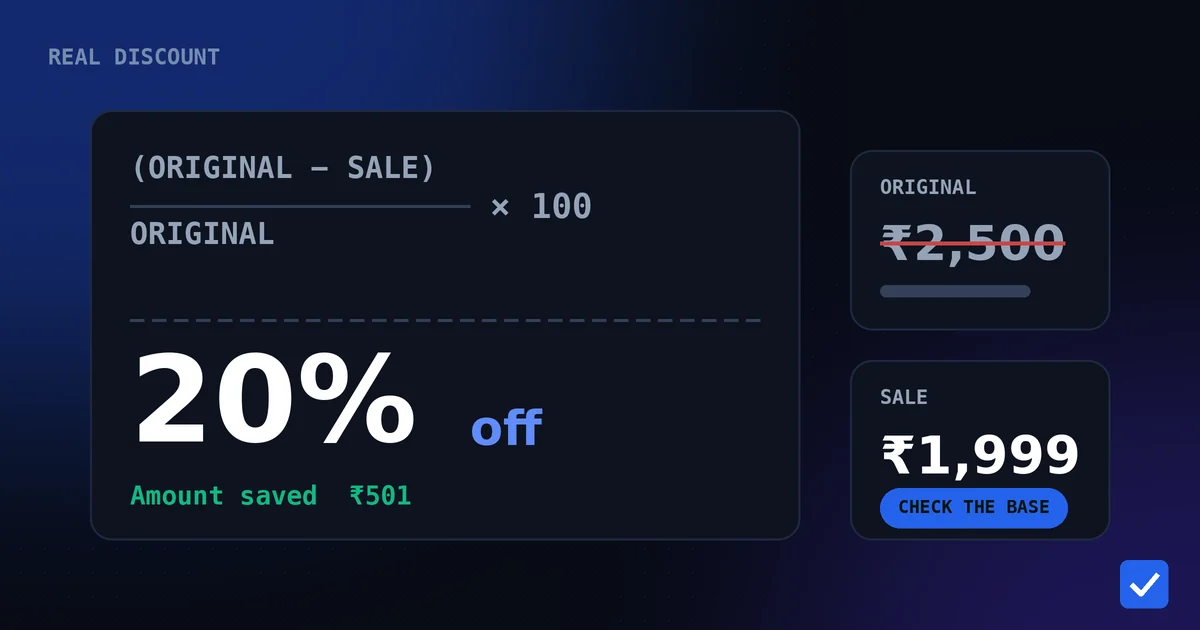
Discount percentage = ((Original price − Sale price) ÷ Original price) × 100
The percentage always uses the original price as the base, not the sale price. This is the most common source of mistakes.
Worked example
A hypothetical product is listed at ₹2,500 and now sells for ₹1,999.
- Discount amount = 2,500 − 1,999 = ₹501
- Discount percentage = (501 ÷ 2,500) × 100 = 20.04%, or about 20%
Working Backwards From a Percentage
Often you know the percentage and want the price. Multiply the original price by the percentage, then subtract:
Sale price = Original price × (1 − Discount percentage ÷ 100)
For a hypothetical ₹3,200 product at 30% off, the discount is 3,200 × 0.30 = ₹960 and the sale price is 3,200 − 960 = ₹2,240.
Why Two Discounts Do Not Simply Add
A 20% discount followed by an extra 10% coupon is not 30% off. The second discount applies to the already-reduced price.
| Step | Price (hypothetical) |
|---|---|
| Original price | ₹1,000 |
| After 20% off | ₹800 |
| After an extra 10% off ₹800 | ₹720 |
| Total saving | ₹280, which is 28% |
The same logic explains why a price that falls 20% and then rises again needs a bigger percentage to climb back. From ₹1,000 down to ₹800 is a 20% drop, but going from ₹800 back to ₹1,000 is a 25% rise, because the base is now smaller.
Turning a Fixed Offer Into a Percentage
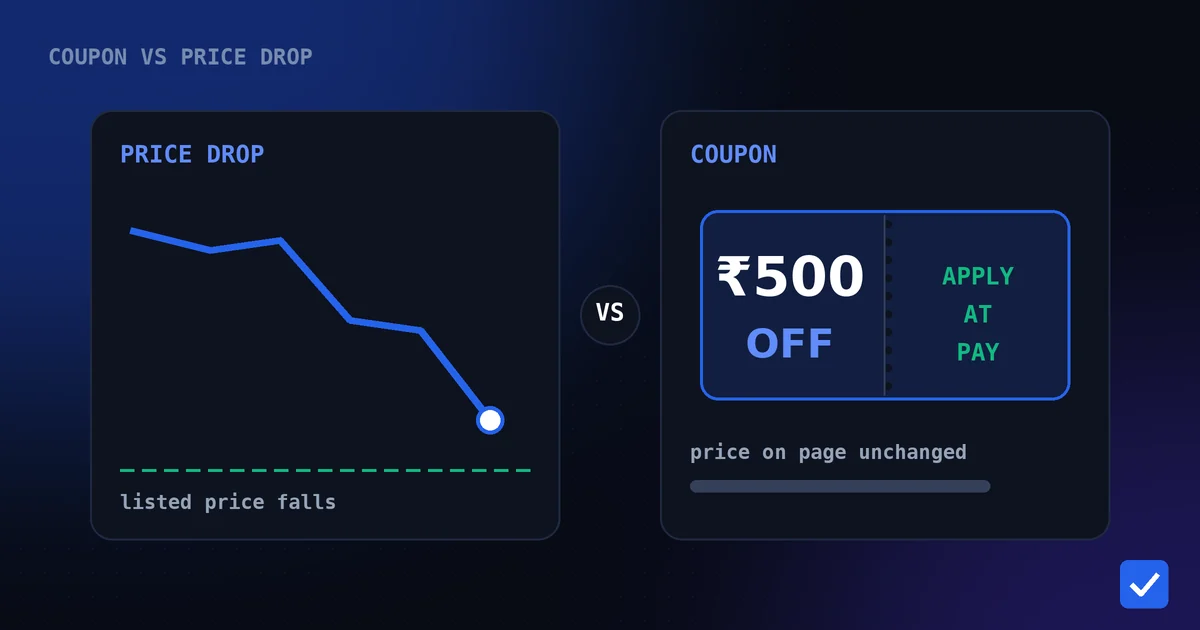
Coupons and offers are often a flat amount. To compare them fairly with percentage discounts, divide the amount by the price it applies to. A hypothetical ₹500 coupon on a ₹4,999 product is (500 ÷ 4,999) × 100, or about 10%, and the final price is ₹4,499. The same ₹500 on a ₹1,500 product would be a third of the price. See coupon vs price drop for how these differ.
Choose an Honest Reference Price
The formula needs an original price, and the one printed on the page is the shop's choice. A more honest reference is what the product has recently sold for.
Hypothetical example: a listing shows a reference price of ₹10,000 and a current price of ₹7,499.
- Against the listed reference: (10,000 − 7,499) ÷ 10,000 = 25.01% off.
- Against a recent typical price of ₹7,299 that you recorded: (7,499 − 7,299) ÷ 7,299 = 2.74% above the typical price.
Same product, same price, and the "25% discount" turns out to be slightly more expensive than usual. This is why a price history check beats any badge. A tracked product shows you the lowest, highest and average price the bot has recorded since tracking began. It does not show what the price was before you started tracking, so treat a short history with care.
Let a Calculator Do the Arithmetic
You do not need to do this by hand. The free discount calculator works out the amount and percentage for you in your browser, and the price drop calculator compares an old and new price. These are maths tools, not live offers, so they do not look up anything from Amazon, Flipkart or any bank.
Common Mistakes to Avoid
- Using the sale price as the base. The percentage is always measured against the original price.
- Adding discounts. Successive discounts multiply, so the total is smaller than the sum.
- Ignoring caps. Percentage coupons often have a maximum amount, so the real saving can be less than the headline.
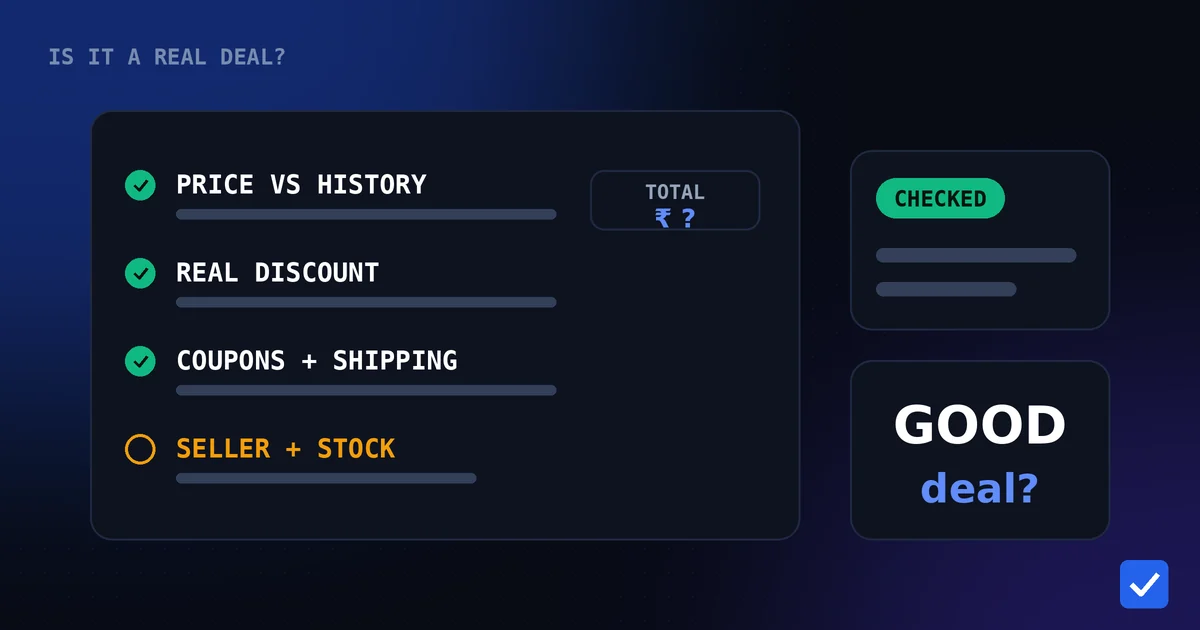
- Forgetting extra costs. Delivery or fees can wipe out a small saving. See how to know if a deal is actually good.
Related pages: Discount Calculator, Price Drop Calculator, Target Price Calculator, Shopping Tools, Price History Feature